
Name-Based Case Searches
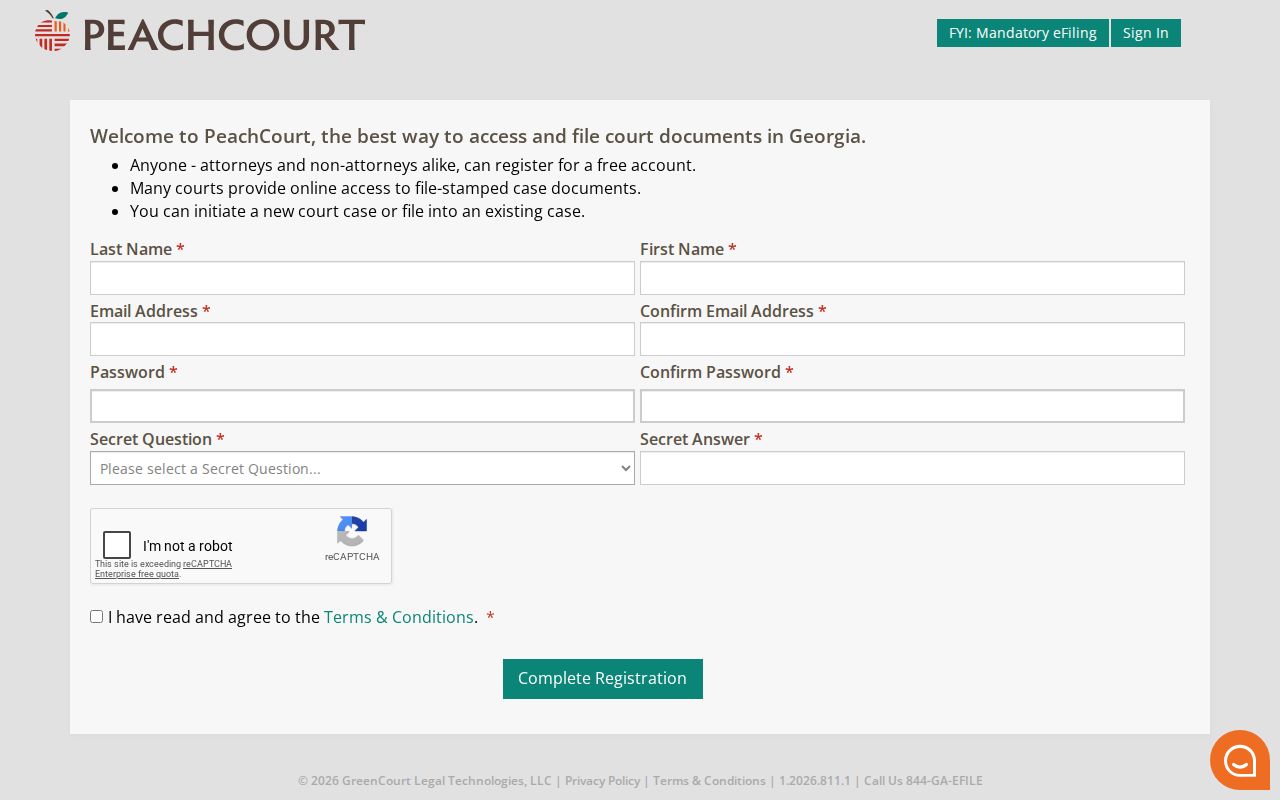
Colquitt Superior and State cases open through the Georgia Courts E-Access directory. Pick the Colquitt entry there and follow it to PeachCourt. Before you see any case, the provider's public frame asks for an email and password, and signing up means providing a name, email, password, a secret question with its answer, a reCAPTCHA, and acceptance of terms. Case fields only appear once you log in.
Type the name exactly as the notice or clerk record spells it. Check the court and the case type before trusting a name match, too. A city ticket, a Magistrate matter, a Probate case, or a Juvenile matter will not sit on the Superior or State route.
- Write down the full party name, court, approximate filing or ticket date, and any case number.
- Register or sign in to the provider reached from Georgia E-Access.
- Enter the name using the fields the authenticated provider currently presents.
- Compare the court, party roles, filing date, and case type in each result.
- Call the responsible clerk or use the PAT if no result appears.
| Search detail | Confirmed point | Limit |
|---|---|---|
| Provider | PeachCourt through Georgia E-Access | No single statewide public search box |
| Account | Required for the provider search route | Authenticated query fields not captured anonymously |
| Name | Use the official spelling and party role | A name alone does not prove venue or identity |
PeachCourt Registration for Colquitt Searches
PeachCourt's sign-up screen is an account gateway. It is not a public index of Colquitt County court records. It collects a last name, first name, email, a confirmation email, a password, a confirmation password, one secret question with its answer, a reCAPTCHA, and your acceptance of terms. The login frame beside it offers email and password boxes plus recovery and registration controls.
That gate is why a reader without an account sees no fields. No name, date, or case-type fields appear at all. What those search controls look like after login is something only a live session shows. The PeachCourt registration form displays the account step. It stands between you and any Colquitt case lookup.
Once registered, follow the provider's own instructions and keep the official case number handy for comparison.
Case Number Searches
A case number is the cleanest way to narrow a Colquitt County docket search. The county's official sources publish no local number pattern or wildcard guide. So never borrow a prefix from another Georgia county. Copy the number straight from the citation, the filing notice, a court order, the clerk, or an authenticated result. Enter it exactly as printed:
official case number from the notice or clerk
That placeholder is deliberate. It teaches the right search habit. It invents no private number or unverified year-code format. Check the court name as well. A State Court number and a Superior Court number can travel different record routes even with similar party names.
A number that returns nothing may point to a city, Magistrate, Probate, Juvenile, or federal file. Georgia Courts also warns about timing. A traffic citation can take 7-21 business days to show up online.
Georgia E-Access for Colquitt Cases
Georgia's navigation guide maps the state's six trial-level court classes plus the appellate layer. E-Access leans on that structure to route Colquitt Superior and State users to the provider. It is not one statewide database swallowing every local court. Even when a statewide page starts the trip, the court name stays the first real search field.
The Georgia court navigation guide lays out that structure map so you can tell it apart from the case search itself.
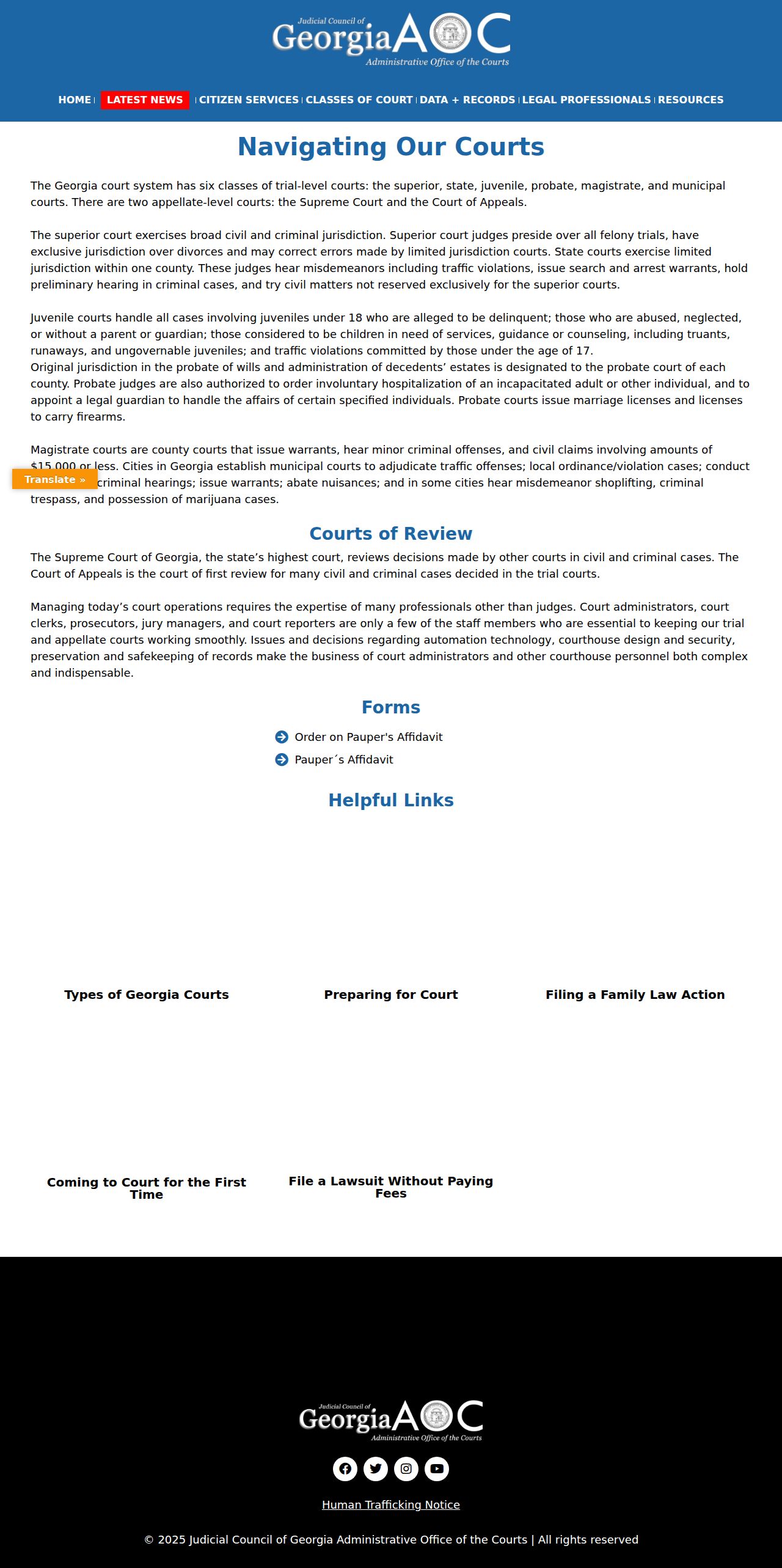
Use the Georgia court navigation guide for jurisdiction context. For the record itself, follow the current Colquitt provider and clerk route.
Case Search Results Explained
A Colquitt case search result can carry a header, court, parties, filing date, an event chronology, settings, motions, orders, a disposition, and a document link. Some of it is just a docket line. A linked image or PDF may sit behind a fee, carry restrictions, arrive redacted, or be missing because it was never digitized. Treat the result as a route into the case. It is not guaranteed to be the full file.
| Header | Case number, court, judge, case type, filing date, and current status where exposed. |
|---|---|
| Parties | Party names and roles, with attorneys or service information when available. |
| Chronology | Dated filings, notices, motions, orders, hearings, service, and post-judgment events. |
| Setting | Date, time, judge, location, and category such as pretrial, motion, or trial. |
| Disposition | Plea, judgment, dismissal, verdict, or another event resolving or changing the case. |
| Document link | Image or PDF access with its own fee, redaction, and restriction limits. |
Never read a charge, warrant, motion, or notice as a final judgment. For the outcome, read the disposition or the signed order.
Federal Case Search Near Colquitt
Federal cases tied to Colquitt County belong to the Middle District of Georgia, Valdosta Division. Search them through PACER and CM/ECF. That system is entirely separate from Georgia E-Access and PeachCourt. CourtListener's RECAP collection shows many federal docket entries free. But coverage is not guaranteed, and PACER stays the official source.
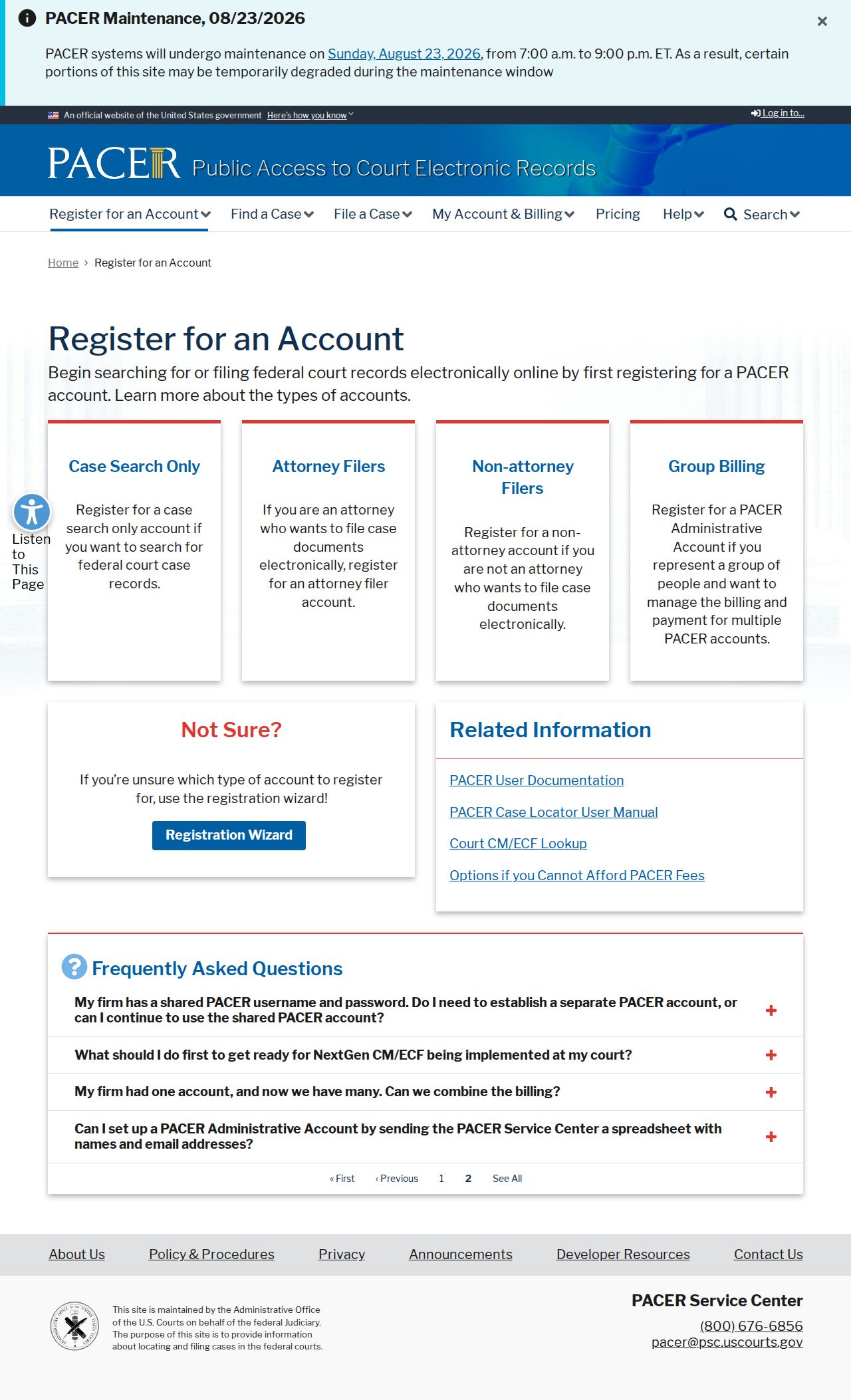
The PACER registration page offers a case-search-only account path. Its registration screen is a handy reminder. A federal search account is not the same thing as a PeachCourt account.
Keep the state and federal court names separate when comparing results.
Two Ways to Search: County and State
For a Colquitt Superior or State case, Georgia E-Access is the statewide directory layer. PeachCourt is the provider layer. For a lower or city court, go straight to the county or city office. A statewide page can point you to the provider. It does not hand you one search box for every class of case.
| Route | Best use | What it does not cover |
|---|---|---|
| Georgia E-Access to PeachCourt | Eligible Colquitt Superior and State case searches | Every Probate, Magistrate, Municipal, and Juvenile record |
| Clerk or PAT | Public inspection, older files, access questions, and copies | Automatic online access to restricted material |
| City or lower-court office | Municipal citations, Magistrate claims, Probate, and local records | Superior or State files held by the main clerk |
| PACER or RECAP | Federal district and appellate docket research | Georgia county and city court records |
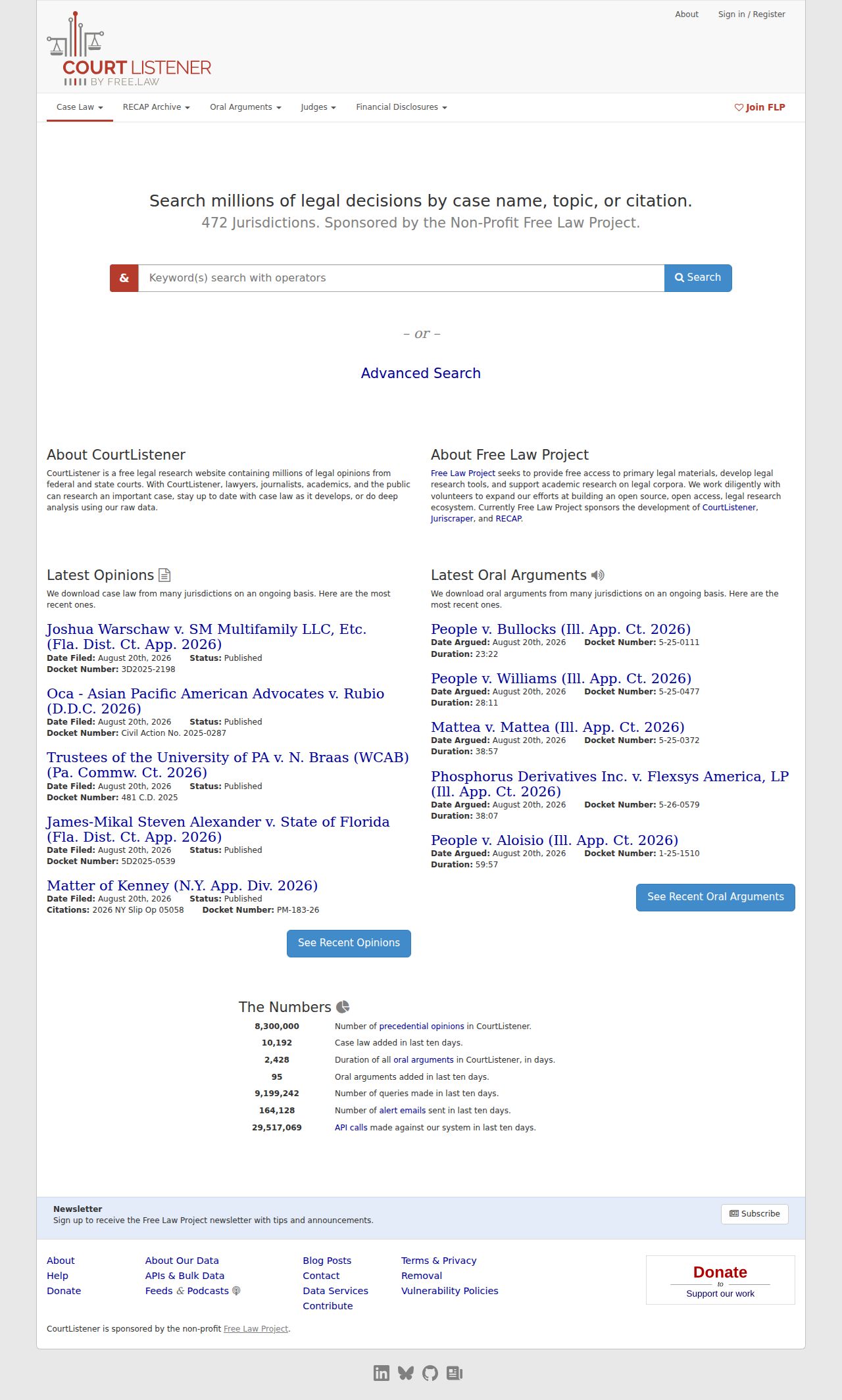
The CourtListener and RECAP archive is the free federal supplement, not a substitute for the Colquitt state search.
Choose the route from the court named on the case paper.
Which Cases Stay Restricted
Not every Colquitt County court record is public. Juvenile, sealed, adoption, and protected-identifier files may be omitted or limited in a docket search. Other restricted files may be too. A redacted public filing can stay visible. But a protected attachment may be withheld. The Georgia Juvenile Data Exchange materials describe authorized access, not a general public juvenile name search.
An empty result proves nothing. It does not show that a case does not exist. Confirm the court. Then ask the clerk whether the record is restricted or simply not digitized, and use the lawful access process if you are an authorized party. Staff will not reveal protected content.
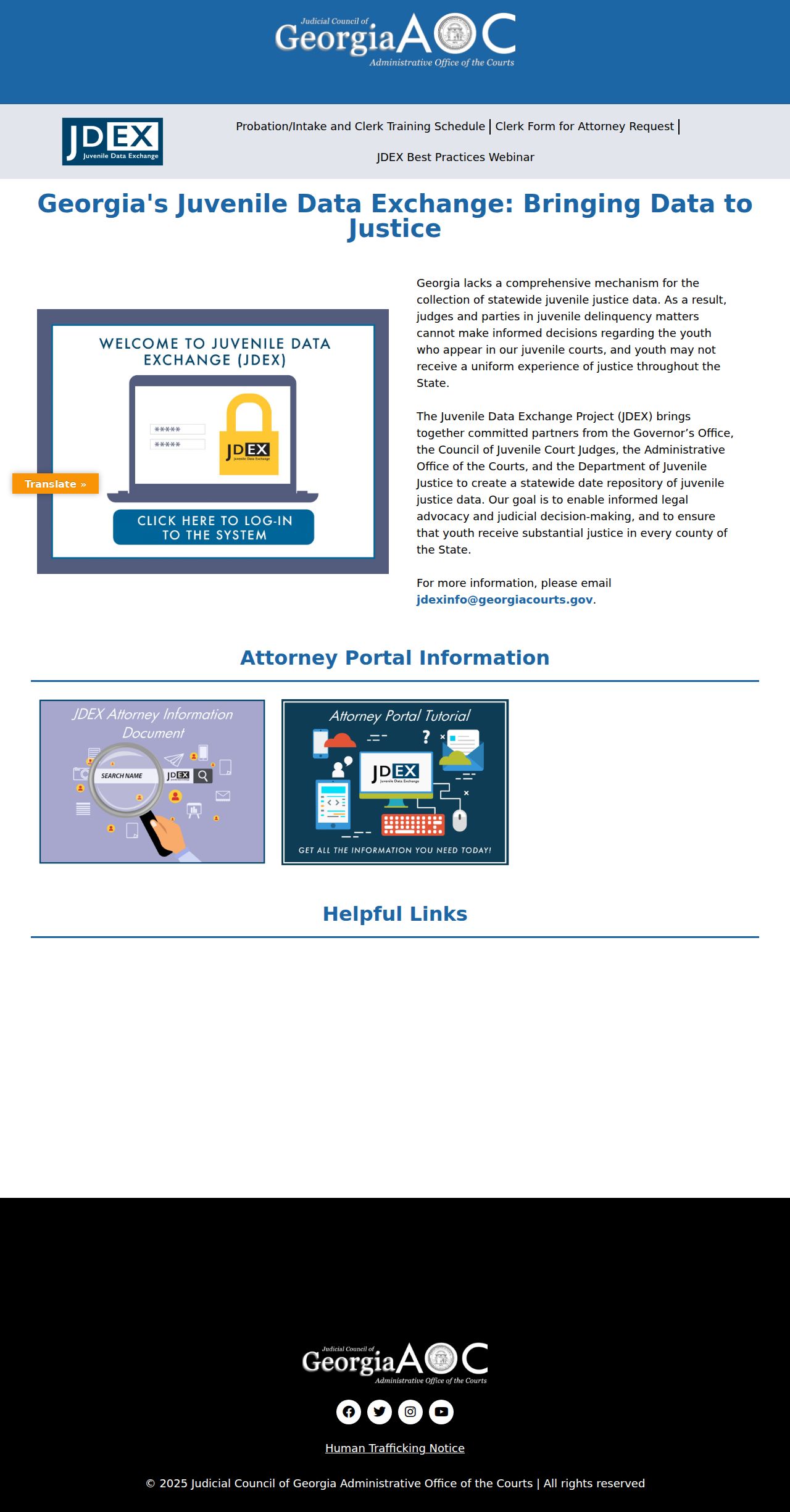
The JDEX materials show why juvenile information sits behind a separate access boundary. That boundary is separate from the ordinary court docket.
Even for a public Superior record, Rule 21 and Georgia's filing-redaction rules still control what may be viewed.
When a Colquitt Search Comes Up Empty
Empty results happen for many reasons. A fresh citation can need 7-21 business days to appear online. Some older cases were never digitized. A city ticket may sit with a municipal vendor. Magistrate and Probate files may never reach the PeachCourt State or Superior route. Sealed or juvenile matters may show only limited information. Each cause points to a different fix.
Write everything down first. Note the court, name, number, filing or ticket date, and what the search returned. For Superior, State, or Juvenile routing, call the Clerk of Superior Court at 229-616-7420. Magistrate, Probate, and city records belong to their own offices. Ask whether a PAT inspection, paper inspection, mailed request, or Georgia Open Records Act request fits your record class. For a new citation, the Colquitt County traffic court route explains the vendor and issuing-court split. For a court document, ask the custodian about the current copy fee and certification process.
A near-match name needs a second check. Compare the court, county, case type, filing date, party role, and latest setting. A name match from the wrong court is not a reliable case match. The result may look right. But the image can be missing. Ask whether the docket line stays public while the attachment is sealed, redacted, or not digitized.
Not every public record is online. Use the clerk's counter or PAT instead. The Colquitt standing order lets eligible non-sealed, non-privileged, non-restricted records be viewed there. Printing or downloading can bring a fee. Put the court, case number, document, date, and preferred copy type in any written request. The custodian decides the lawful access path.
Zero results deserve one more step. Record the time of the search and the route used. A PeachCourt account search, a county PAT inspection, a Magistrate inquiry, and a city citation lookup are different searches. Each has different custodians. Tell the clerk which one came up empty. That detail helps the office. It can separate a new filing from a venue mismatch, an older paper file, or a record outside the public channel.
Ask what a document response will be. It might be a docket printout, a plain copy, a certified copy, or an inspection. Identify the court and case number, not just a person's name. Keep your payment receipt, mailing confirmation, and clerk response with the original notice. Later results can then be matched to the same file.
Colquitt Search Timing and Record Age
Timing shapes every Colquitt County docket search. A filing moves from paper intake to a public docket. What you see depends on where it sits in that path. New traffic citations are the clearest example. Georgia Courts warns that a new citation can take 7-21 business days to appear online. The same caution fits any newly filed matter. The clerk may hold the paper before an online provider displays it.
| New citation | Allow the published 7-21 business-day window, then verify with the issuing court. |
|---|---|
| Older file | Ask whether it was digitized, transferred, or remains available at the counter. |
| No name match | Recheck court class, spelling, venue, case number, and access restrictions. |
| Document missing | Ask whether the docket line is public while an attachment is sealed, redacted, or not scanned. |
Note the date and source of every search. A PeachCourt result, a county PAT visit, and a city payment vendor answer to different offices and different calendars. Never treat them as one synchronized database.